
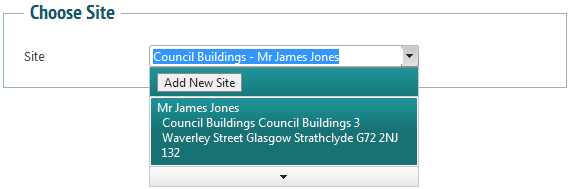
There are many places within the system where you can add a new site. You can do it while creating a new job by clicking ‘Add New Site’:
You can do it from the client admin page, by clicking on the ‘Sites’ tab in client details:
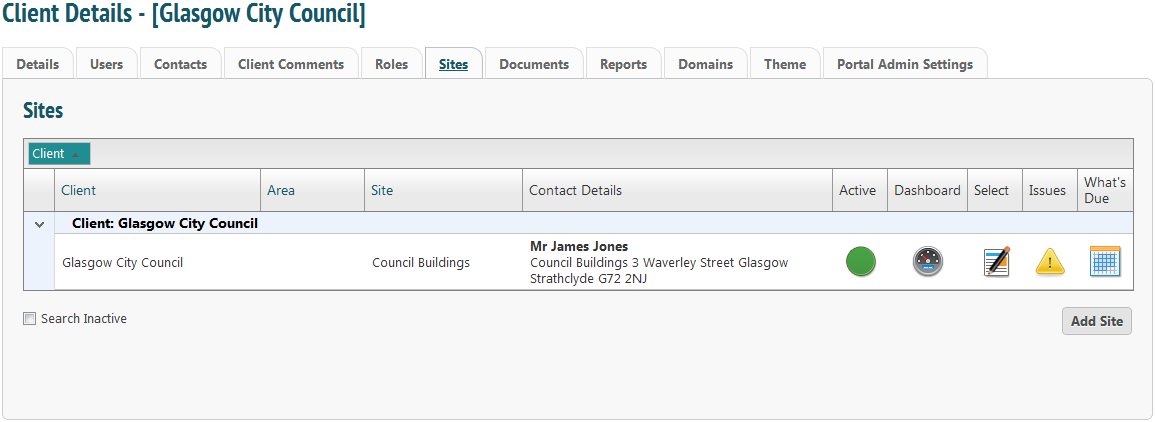
Clicking ‘Add Site’ on both of these pages will take you to the New Site page:
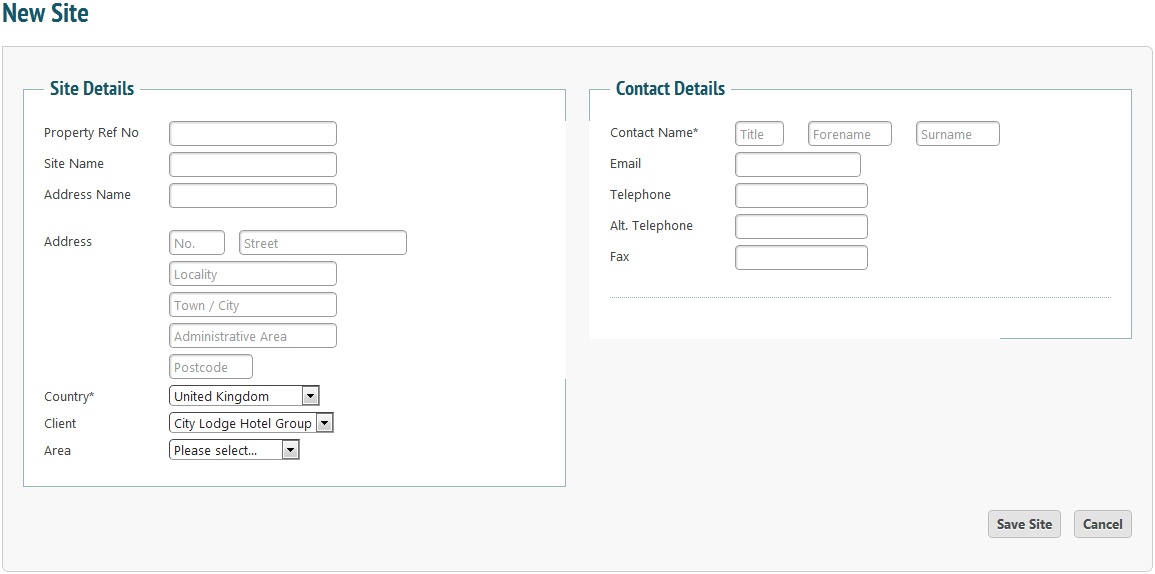
You can also access this page from the ‘Client- Admin’ menu by clicking ‘New Site’.
Just enter any site details in the correct fields. You do not need to fill in each field; the only address field that is mandatory is the Postcode. You can also enter a reference, a site name and an address name.
Select a country. This will automatically default to the United Kingdom. Then select a client to associate with this site from the dropdown box. You can assign an area if you wish.
Enter details of the main contact for this site. You must enter at least a name.
Click the ‘Save Site’  button to save the site.