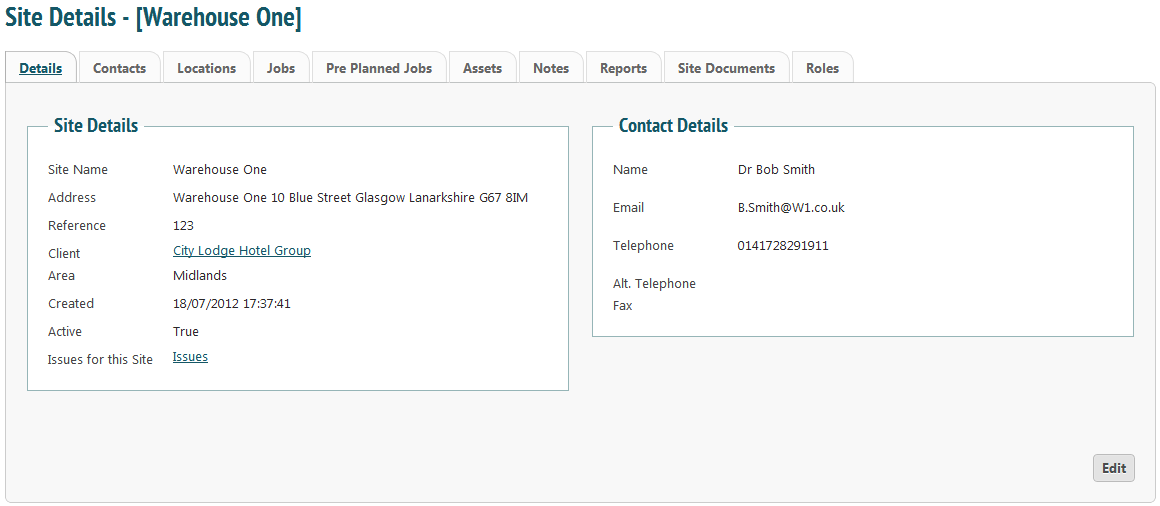
To make organising jobs and engineers slightly more efficient, especially if you have lots of sites, you can assign areas to sites. An area can be whatever you need; it could be that you have ‘England’, ‘Scotland’ and ‘Wales’ or if you are only in and around the Glasgow area you could have ‘West End’, ‘Dennistoun’, ‘City Centre’ etc.
From the ‘Client-Site’ menu select ‘Area Administration’.
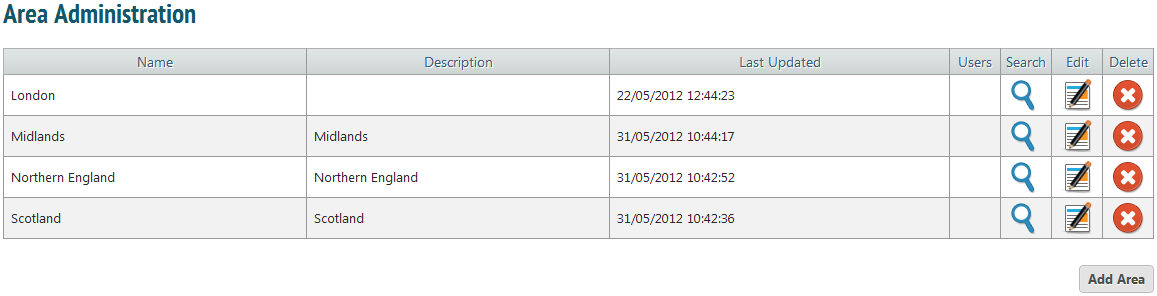
In the example above, there are only four areas. This does not mean that these are the only areas in which we can do jobs, but it gives the option of grouping sites by area.
To add, click ‘Add Area’.  This will bring up a popup box.
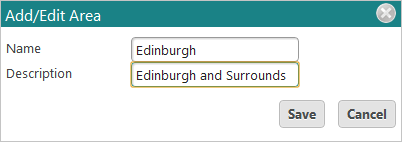
Insert a name and description and press ‘Save’.
Clicking the ‘Edit’ icon  will also bring up this box. You can change the name or description of an area and press ‘Save’.
To delete an area, click the ‘Delete’ icon. 
Clicking the search icon  will show you a list of sites that are associated with that area.
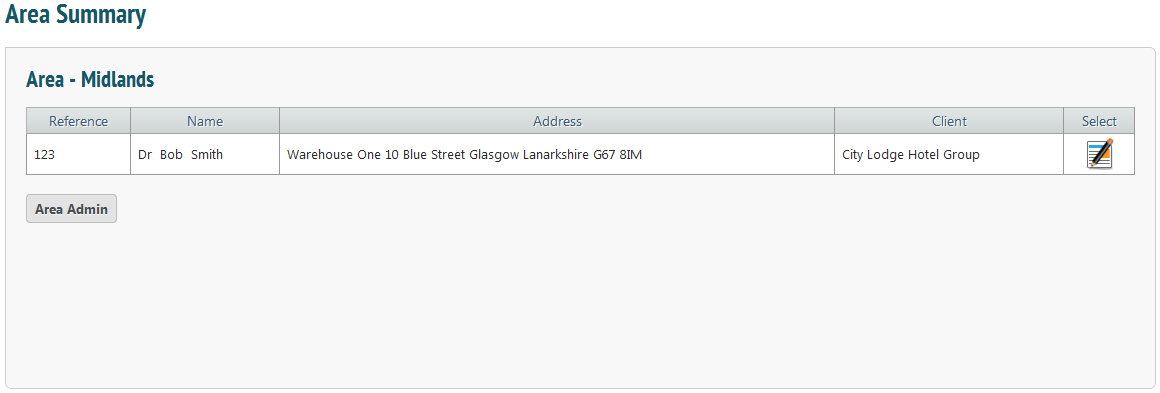
To edit this site’s information, click the edit icon . This will take you to site details. From here you can view or change any information about that site.