From this page you can access information about a particular site.
Details
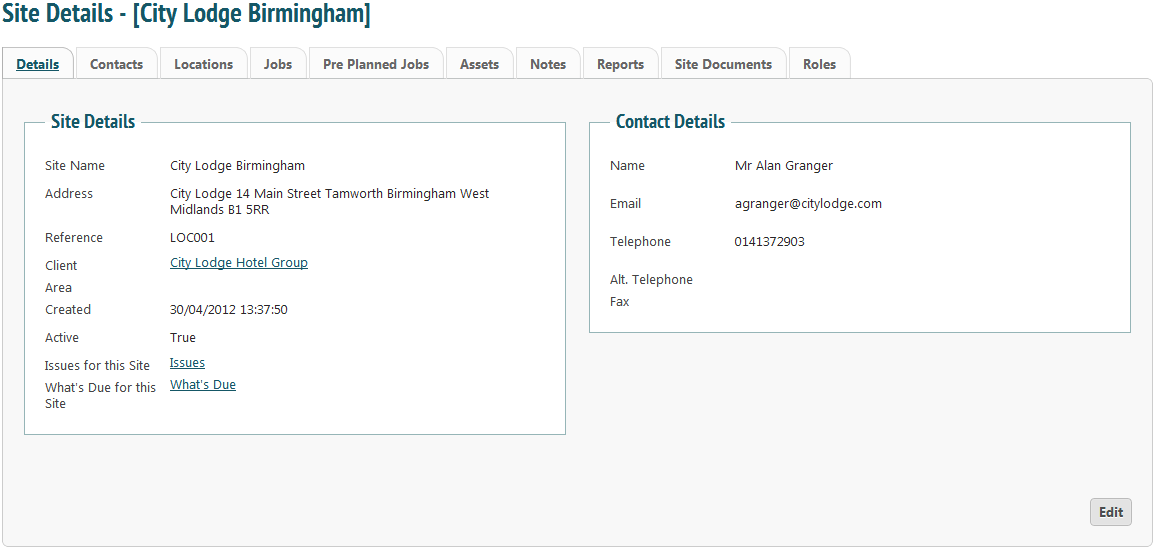
Information such as the site’s address, main contact and any issues can be found in the ‘Details’ tab. To edit, click the ‘Edit’ button.
Contacts
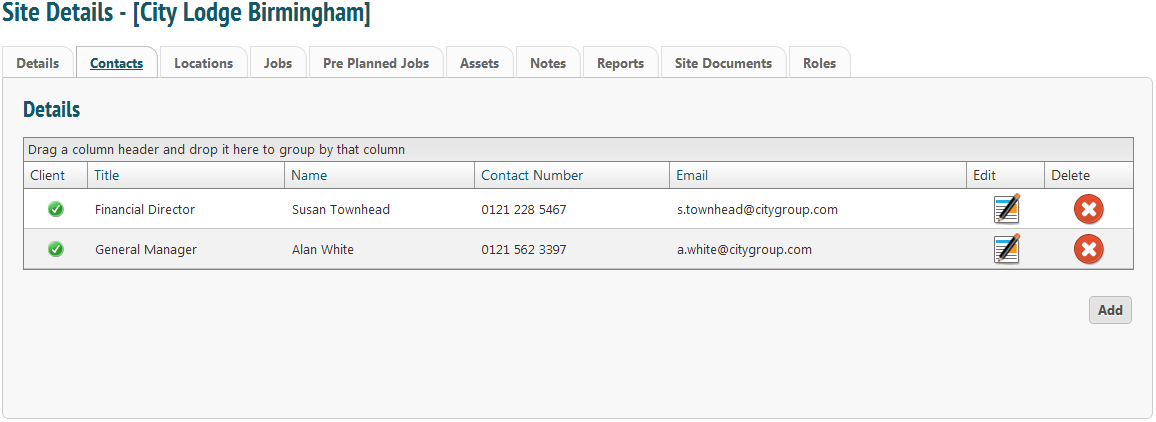
Contact details for the site can be found in the ‘Contacts’ tab. You may add a new contact, edit or delete at any time.
Locations
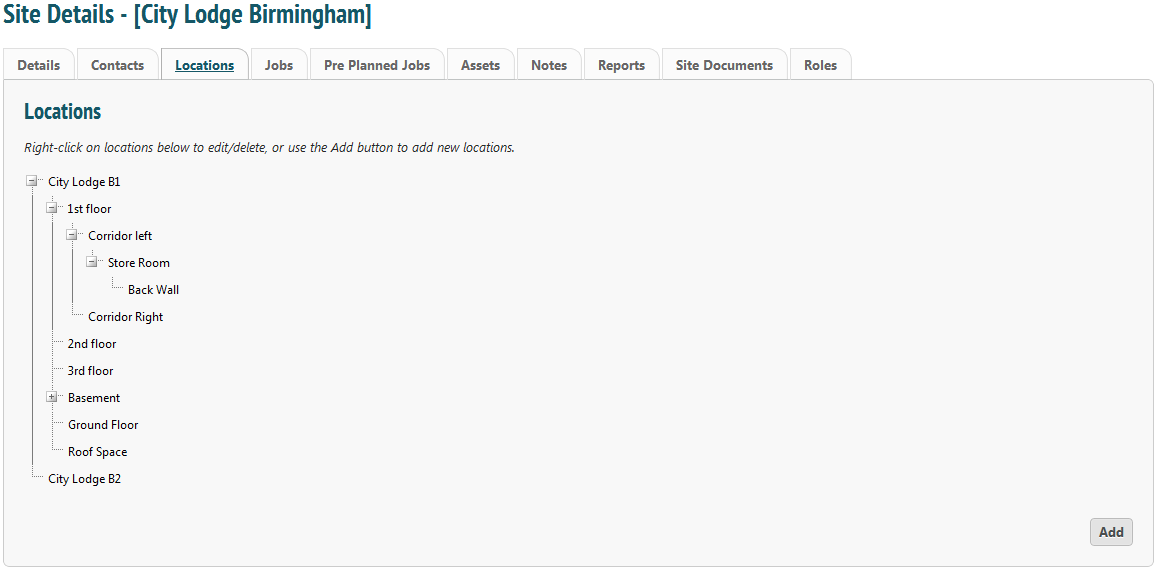
Locations are site specific. These are places where assets are registered. Right-clicking on a location will allow you to edit that information, and you can also add a new location by clicking ‘Add’.
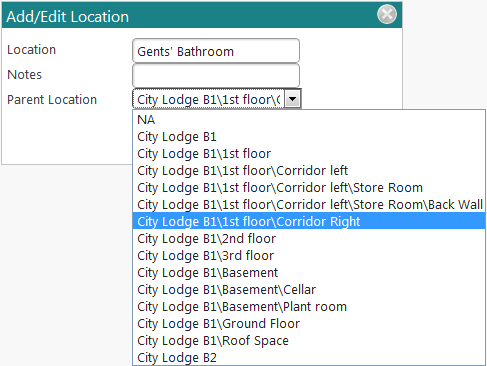
Name your location, enter any notes that may be needed and select a parent location. This is a way for the engineer to discover exactly where the asset is: for example, the asset may be a tap in the Gents’ Bathrooms located on the right-hand corridor of the first floor of a building. This gives them as much information as possible and ensures accuracy.
If there is no parent location (i.e. you are entering details of a new building on the site) select ‘NA’ from the drop down menu.
Jobs
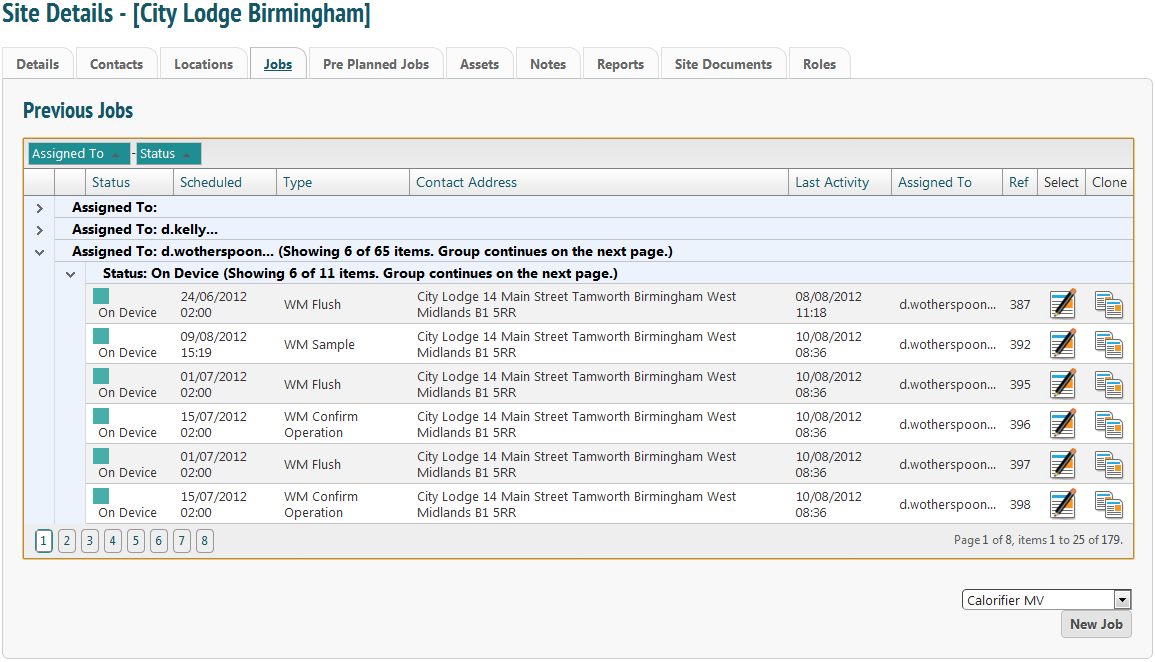
From this page you can see all the status of all jobs that have been assigned to this site in the past. The list is completely searchable. Drag and drop the desired criterion into the header bar.
To view job details, click  . Cloning a job will create a new job ready to be allocated out, with previous answers pre-populated onto the form. This is useful if a different engineer is going to complete a task or if they will need to compare new data against previous information. To clone a job, click
Pre Planned Jobs
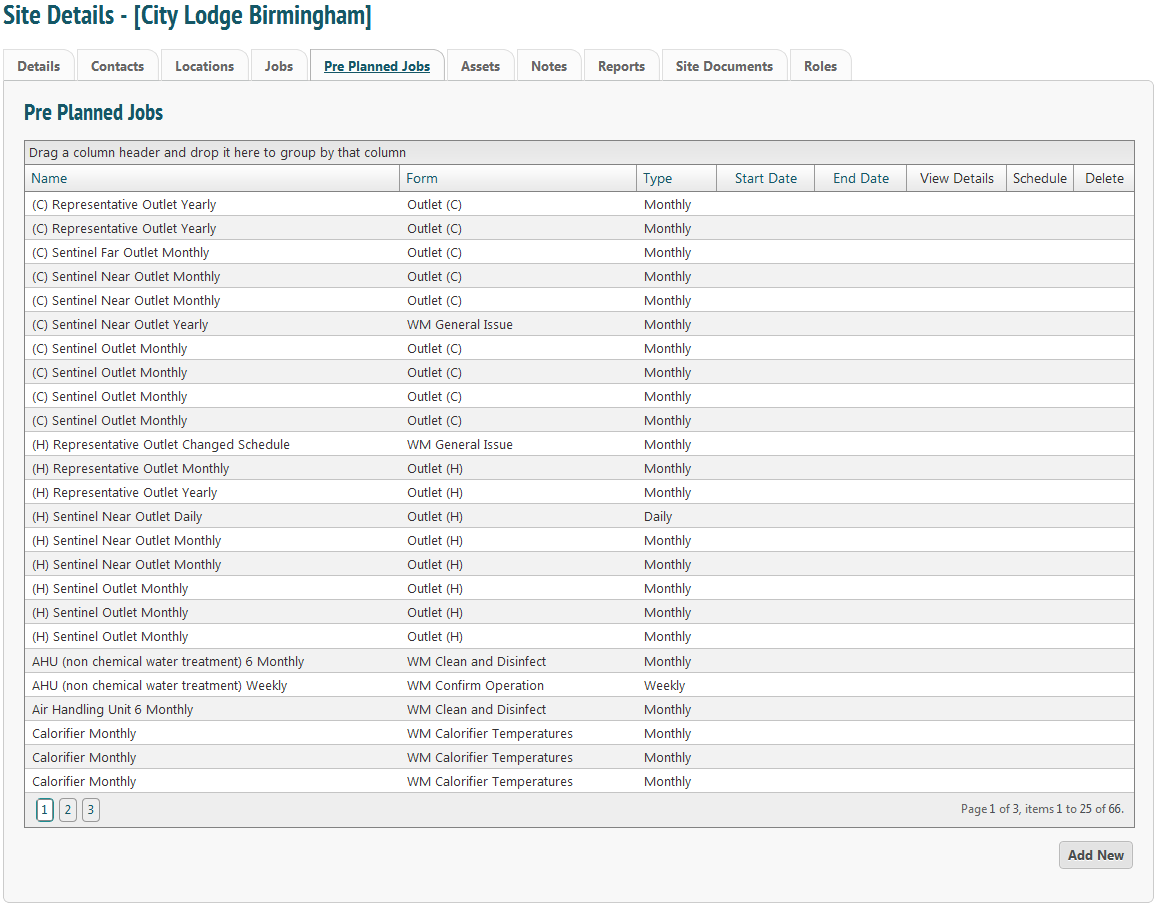
This tab displays PPM tasks scheduled for this site. It is also possible to add a new PPM schedule from this tab.
Assets
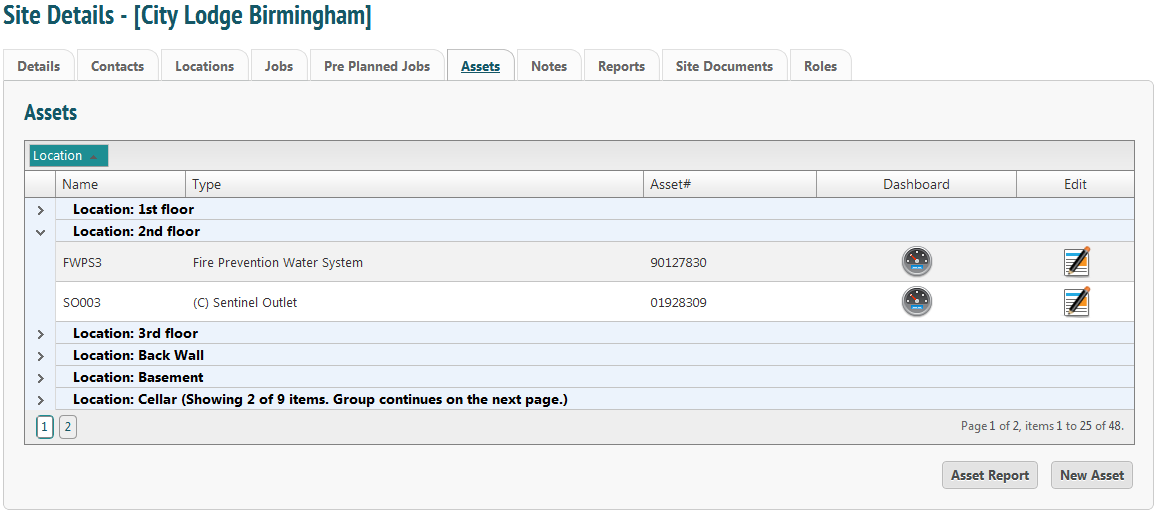
This tab lists all assets on site. It is completely configurable. It is possible to see an individual asset dashboard by clicking the ‘Dashboard’ icon  or to edit the asset’s information by clicking the ‘Edit’ icon.
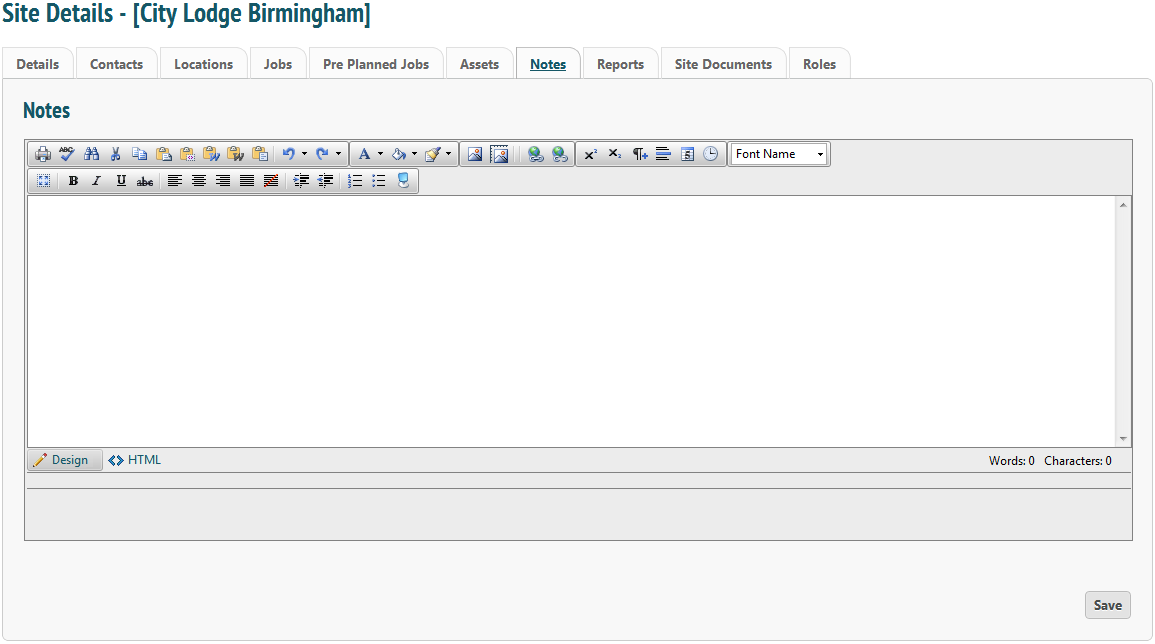
Notes
Make comments specific to the site here.
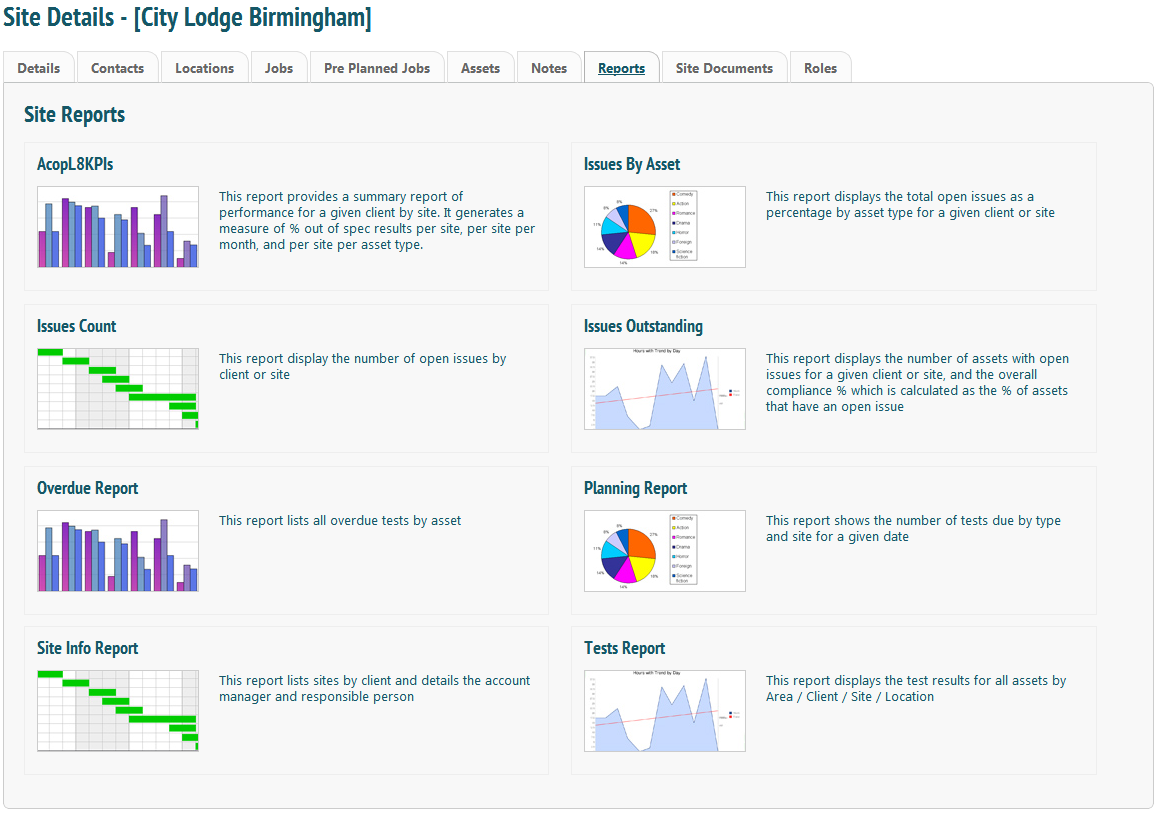
Reports
SQL reports generated by tasks completed on the site.
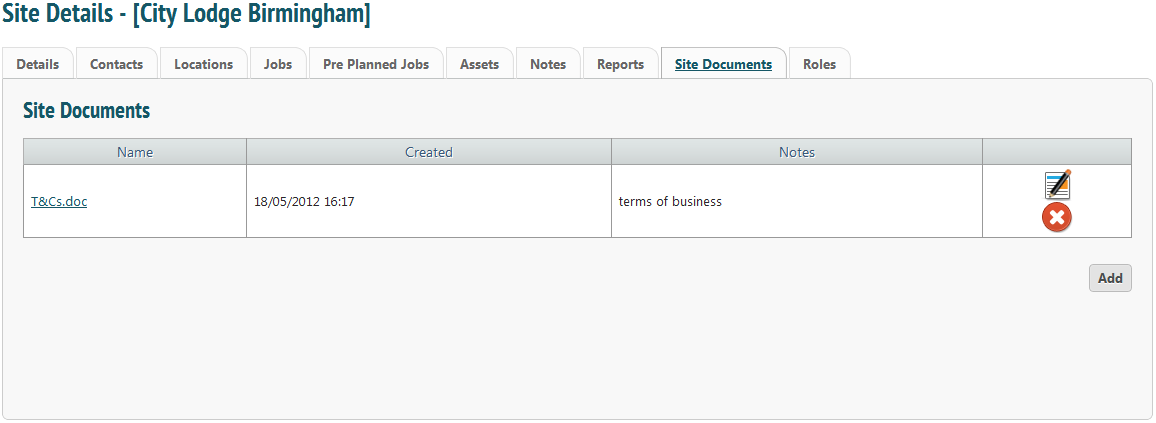
Site Documents
These are document pertaining to the site. These would be documents that you may want to keep with the site details, such as contract details etc.
Roles
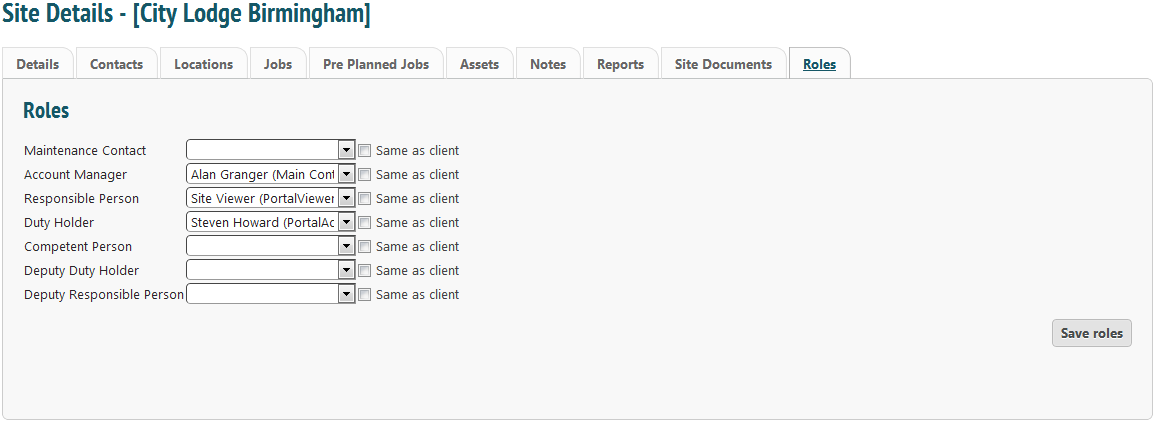
Use this tab to assign roles to site contacts. These can be the same as the overall client (I.e. John Smith is the Responsible Person for the client and all sites) or on a site-by-site basis.