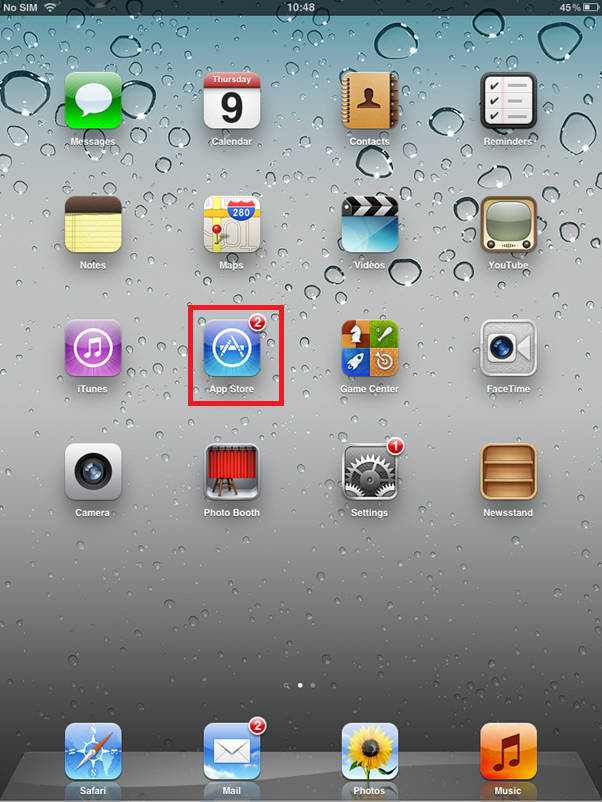
From the iPad/ iPhone’s home screen, select the ‘App Store’ icon, highlighted in red in the image below.
Search for Konformance in the search box, indicated at the top of the screen.
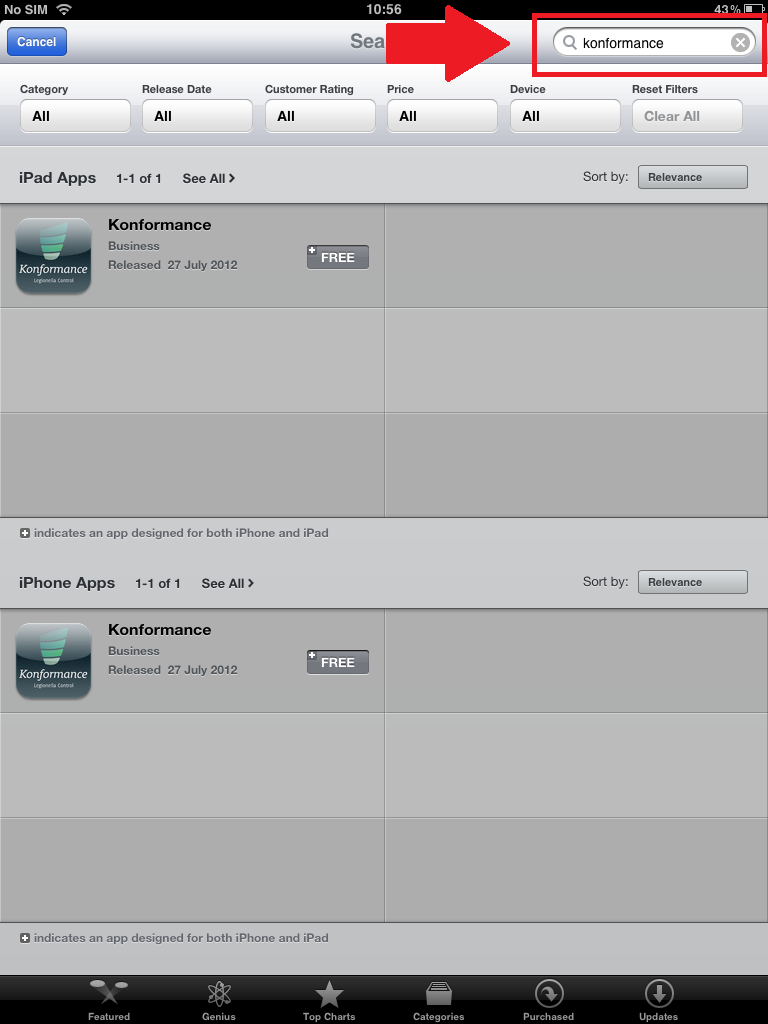
Select the correct option- the top option is for iPad, the bottom is for iPhone.
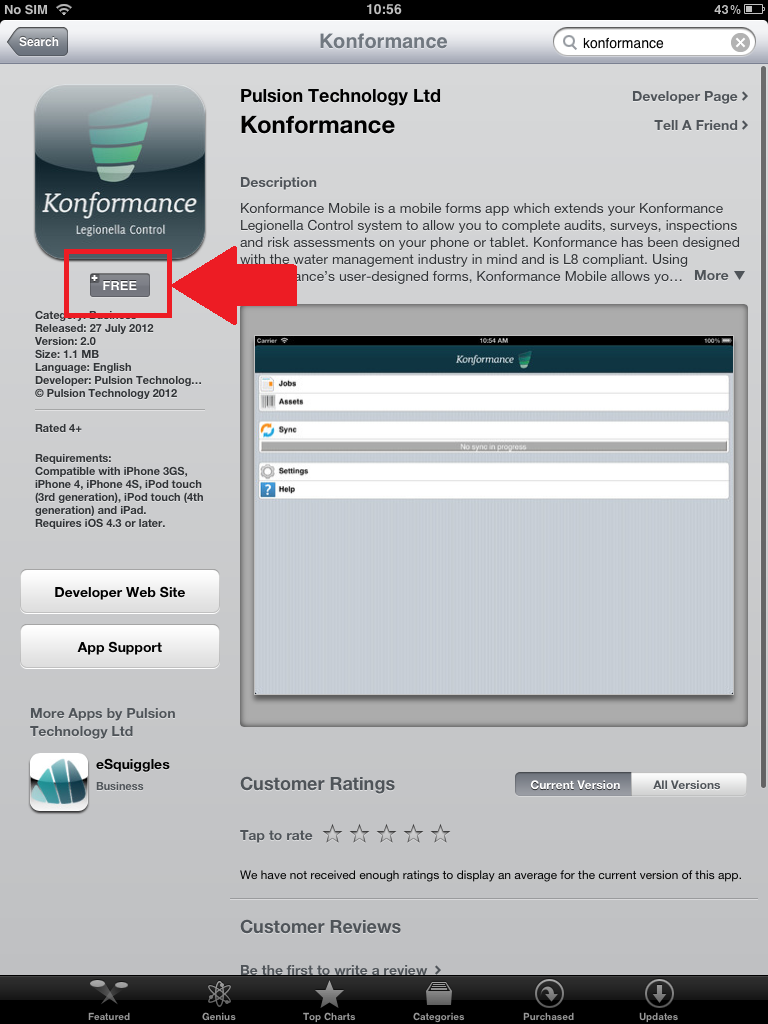
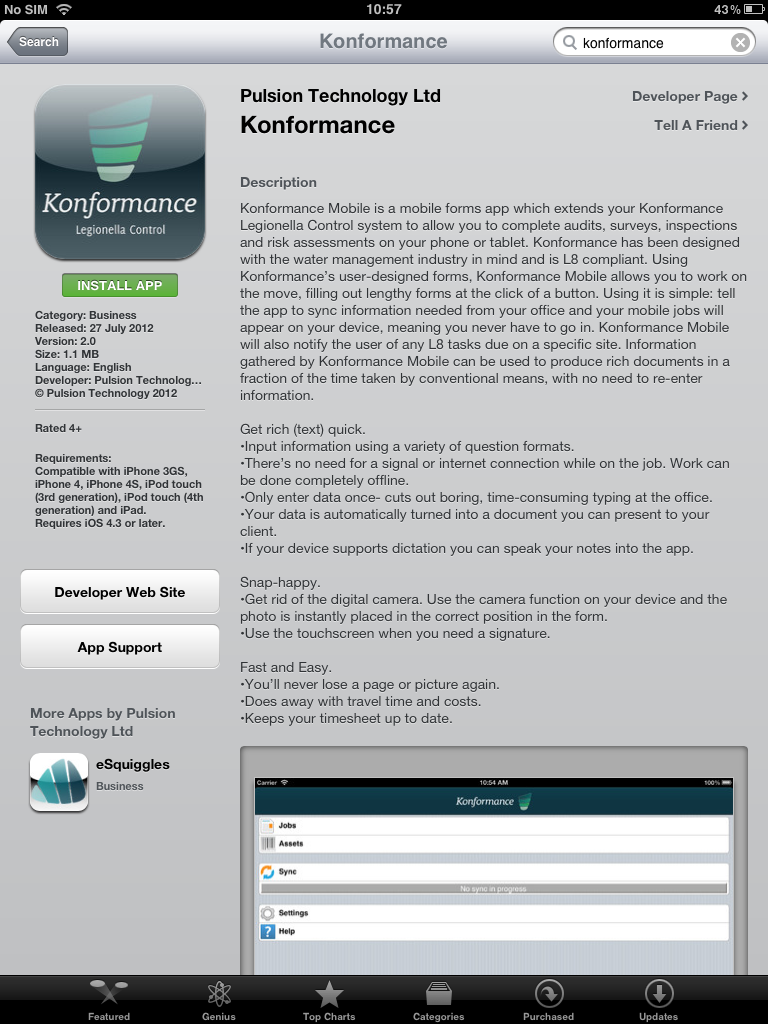
The information screen will open. Select the ‘Free’ box indicated in the image below, just beneath the logo.
The button will now change to green as in the image below. It will now read ‘Install App’. Click this.
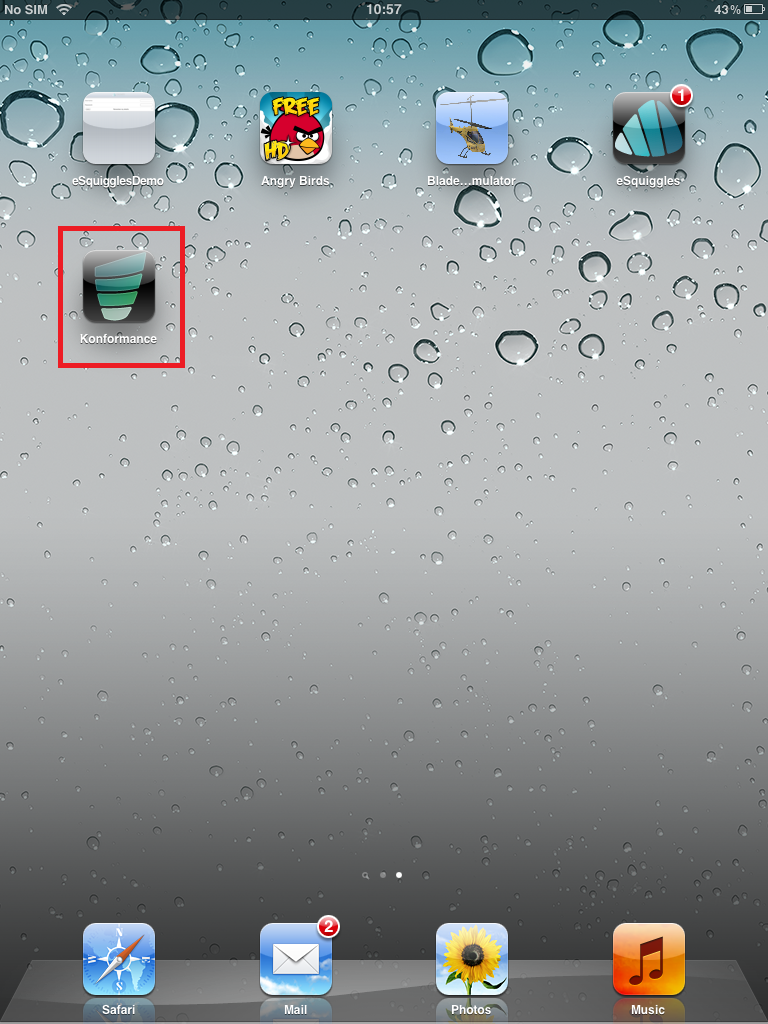
Konformance will be installed and a new icon will appear on your home screen.