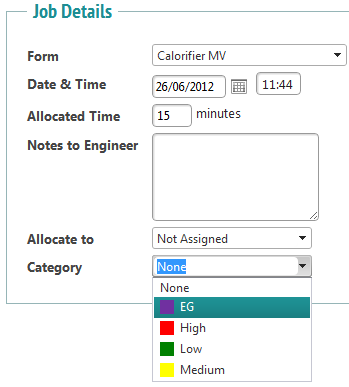
Jobs can be assigned categories. These can categorise into any field needed. For the purpose of this example, the category will be priority level of a job.
Select ‘Category Management’ from the Jobs-Issues menu. This will show a screen like this:

To edit a category, select the ‘Edit’ button. 
To create a new category, select the ‘Add Category’ button. In both cases, a window will open.
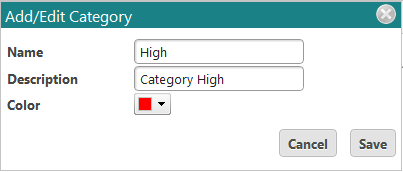
Enter or edit the name, description and colour. Click ‘Save’ to save or ‘Cancel’ to discard changes.
Now, when you create a new job from the web system, you will have the ability to choose your category.