
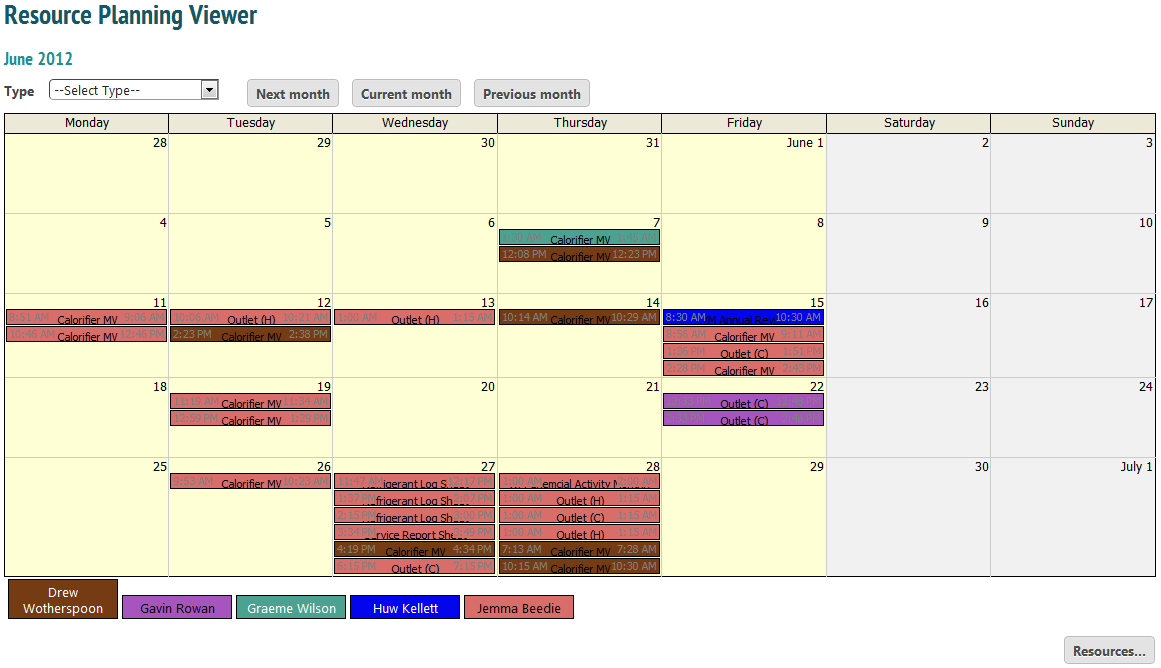
The Resource Planning Viewer is a traditional calender view allowing admin staff to see which jobs have been allocated, when and to whom. Engineers have colours associated with them, so you will be able to see who has a lot of jobs allocated to them and who has none. In the example above, Graeme only has one job allocated to him.
Clicking ‘Next month’ or ‘Previous month’ takes you to the appropriate calender view.
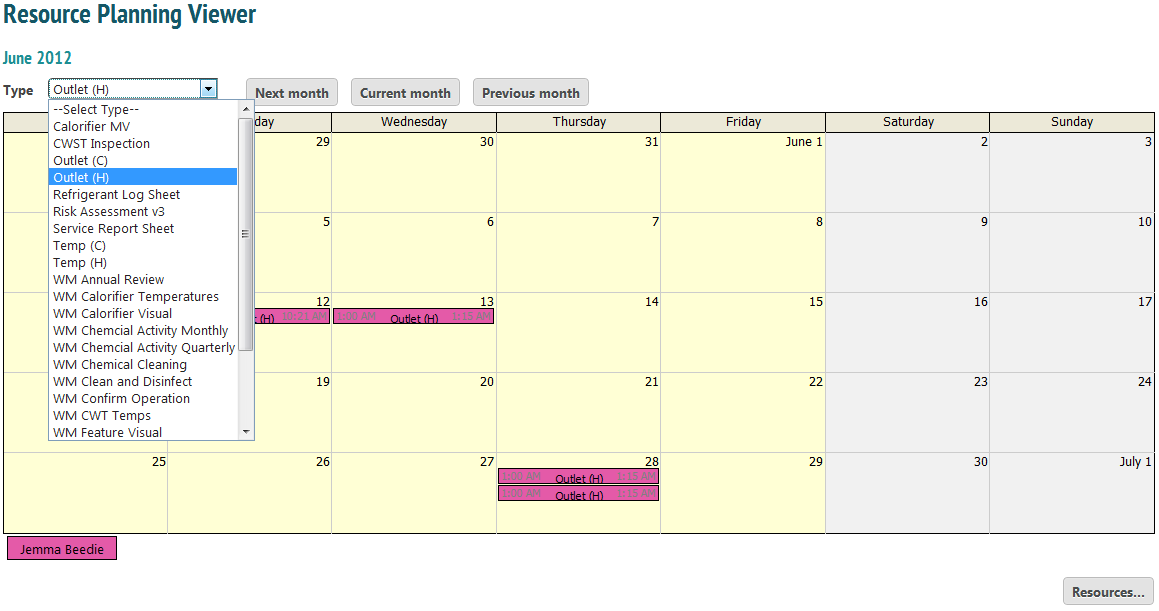
To see only jobs associated with a particular form, select the form from the drop down menu.
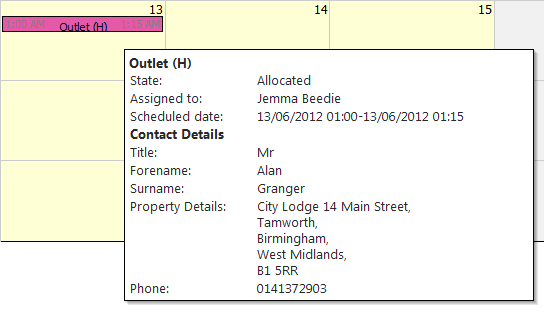
To see information about a job, use your mouse and hover over the box.
Clicking the ‘Resources…’ button brings up a list of all users within the company.
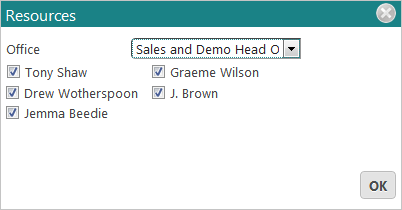
Selecting them will show their schedules on the viewer.