
To create a section grid, you will need at least two sections.
First, create a section for your questions. These are the questions that will be pulled through to your section grid. Create a new section. Tick the ‘Repeatable’ and ‘Template-only’ checkboxes.
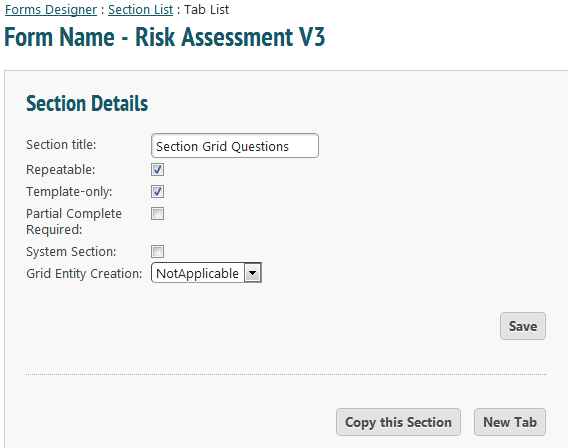
Continue as normal, creating your questions. In a section grid you can have open text, numeric values or a dropdown list.
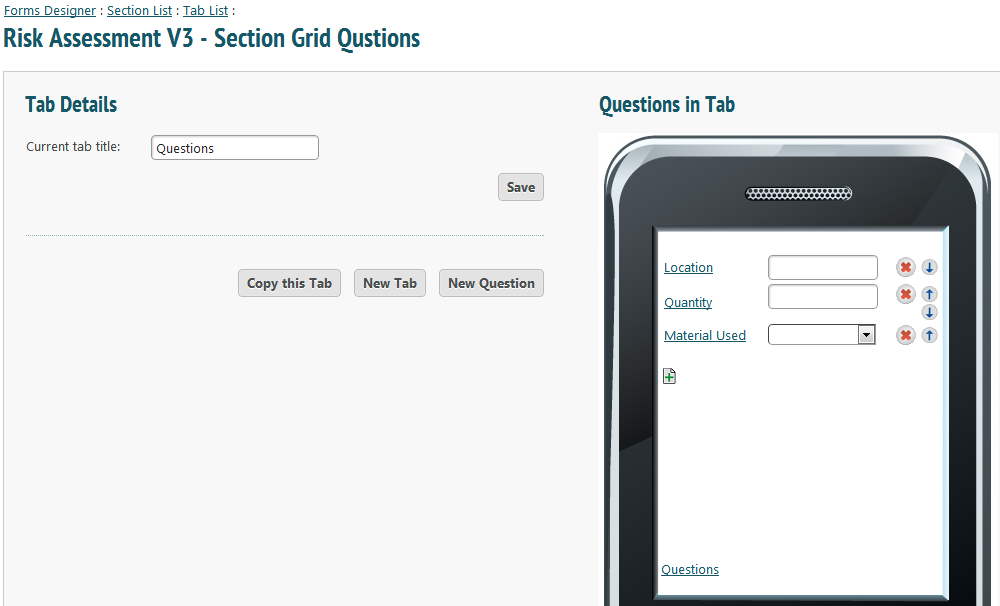
Once you have finished creating questions, create a new section. This should not be repeatable or template-only.
Create a tab. Add a new question and choose ‘Section Grid’ from the drop down list. If you have only one section that is repeatable and template-only, it will automatically appear as the associated section. If you have more than one, just choose the correct option from the drop down list. Click ‘Generate Columns’.
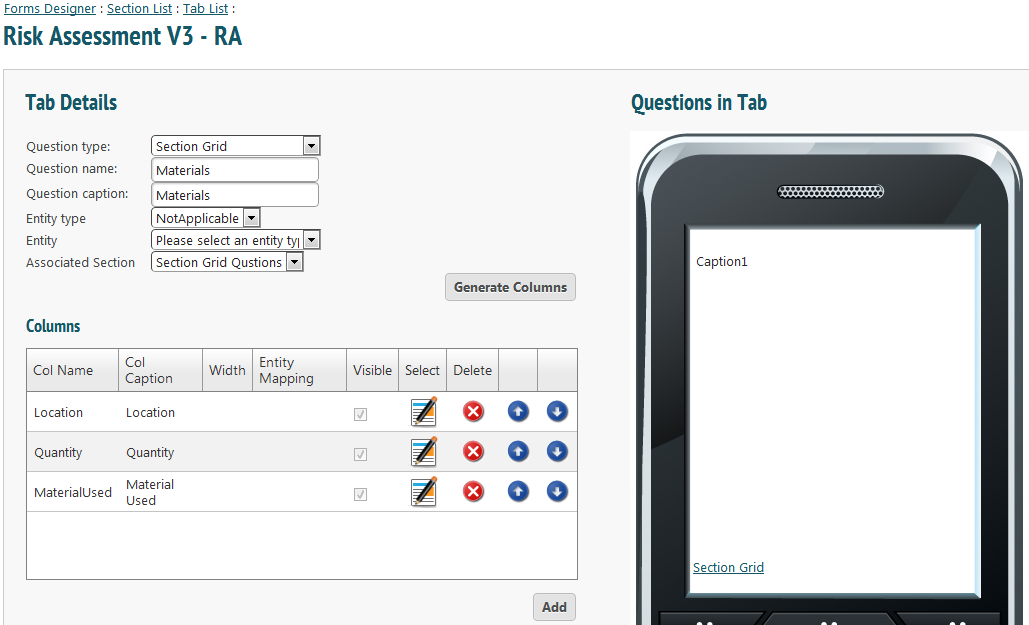
Press save. A section grid must be in its own tab. To keep creating questions within the same section, just make sure to put them in a separate tab.
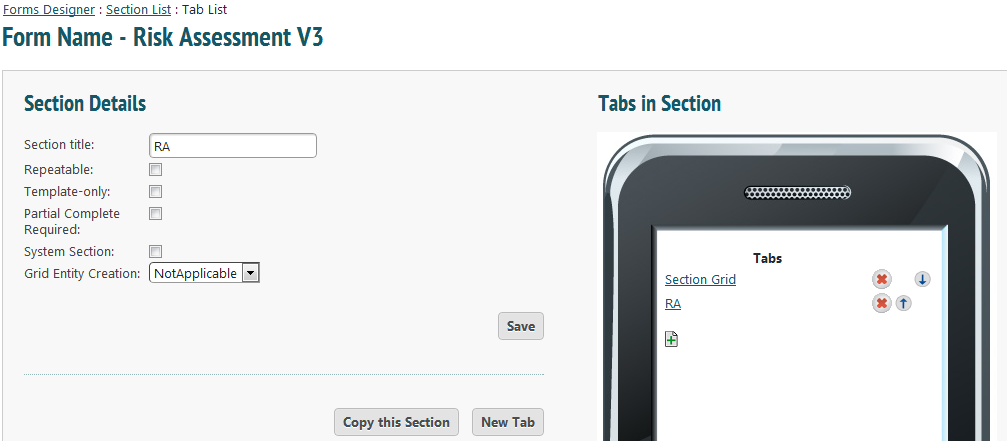
You may enter as many tabs as you want. Just make sure that the section grid questions are in their own section and that the section grid itself is in its own tab.