
Konformance Legionella Control is already populated with L8 assets, but can also be used to manage other types of assets. To add another type, select ‘Asset Classifications’ from the ‘Asset Register’ dropdown menu.
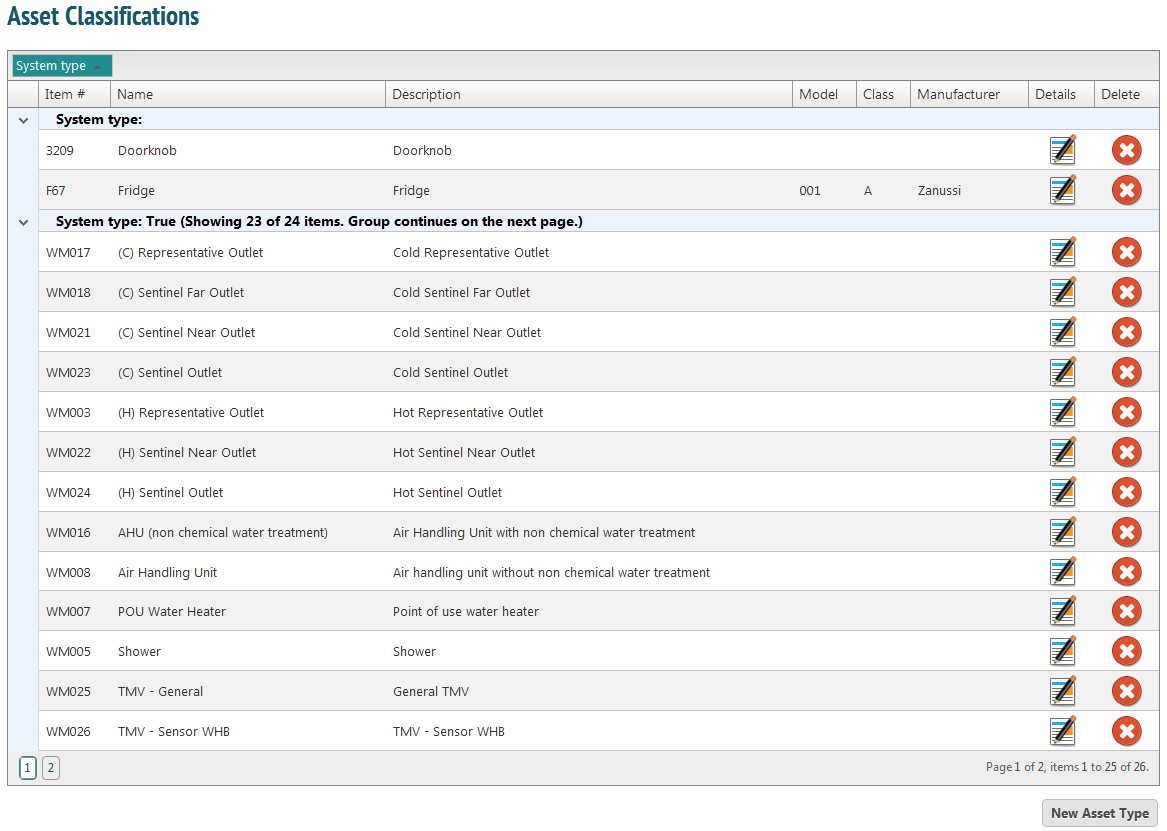
To add a new asset type, click the button at the bottom of the page.
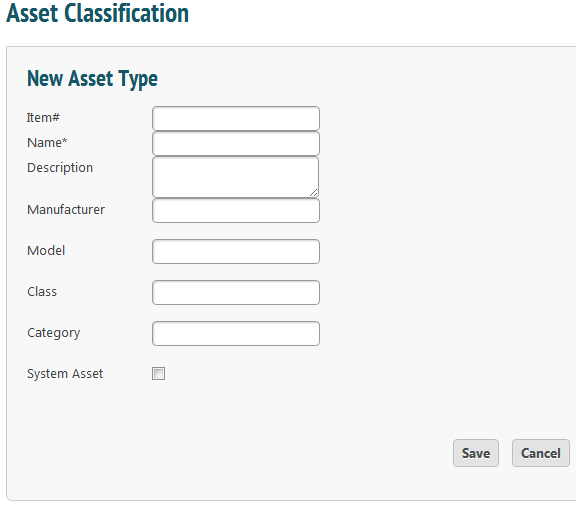
Input all the information you have. Some asset types may not have a Manufacturer- in that case just leave the field blank.
When you have entered all your information, press ‘Save’. This will take you back to the Asset Classifications list. To associate a form with this asset type, click the ‘Details’ icon.
You will be able to choose a form from the dropdown menu on the right of the screen. Add as many as are needed and press ‘Save’.