
To view all PPM jobs that are scheduled, select ‘What’s Due’ from the ‘Asset Register’ dropdown menu.
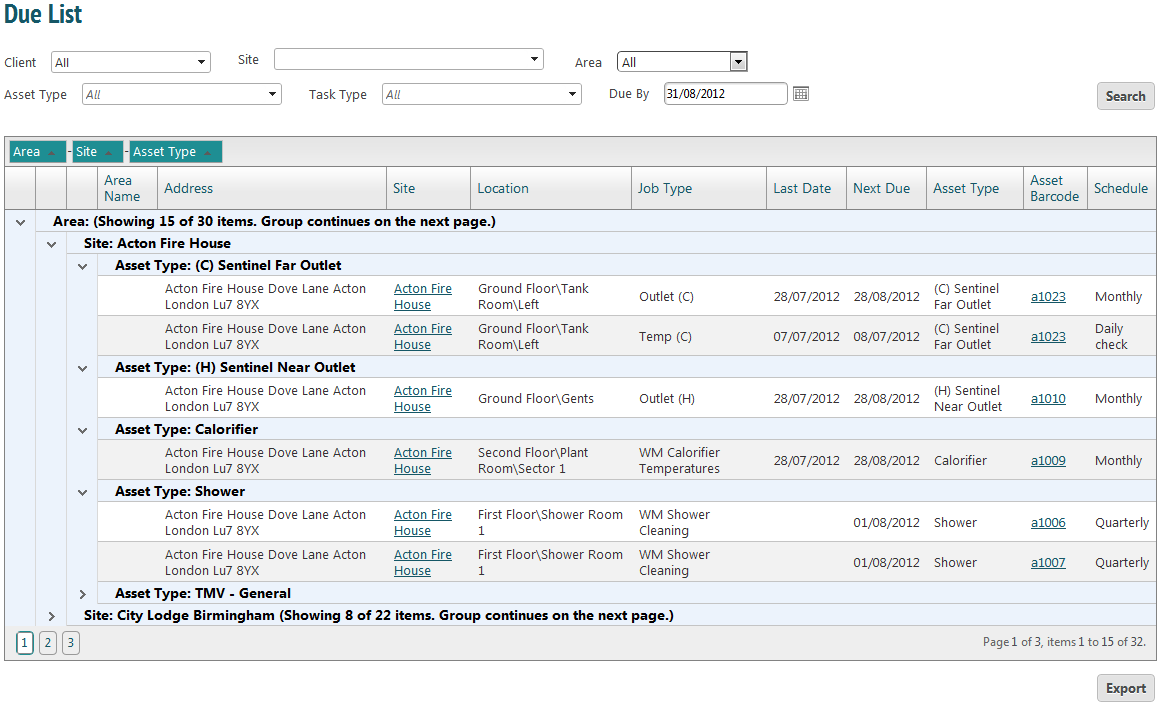
This page is searchable by your own specifications. For a nested view, select the desired title from the headings row and drag it up to the bar above. You may choose as many of these titles as you want. In the example above the information is nested by Area, Site and Asset Type.
The asset barcode is a link. Clicking this takes you to the asset information page.
Clicking ‘Export’ will create the due list in Excel for ease of printing.