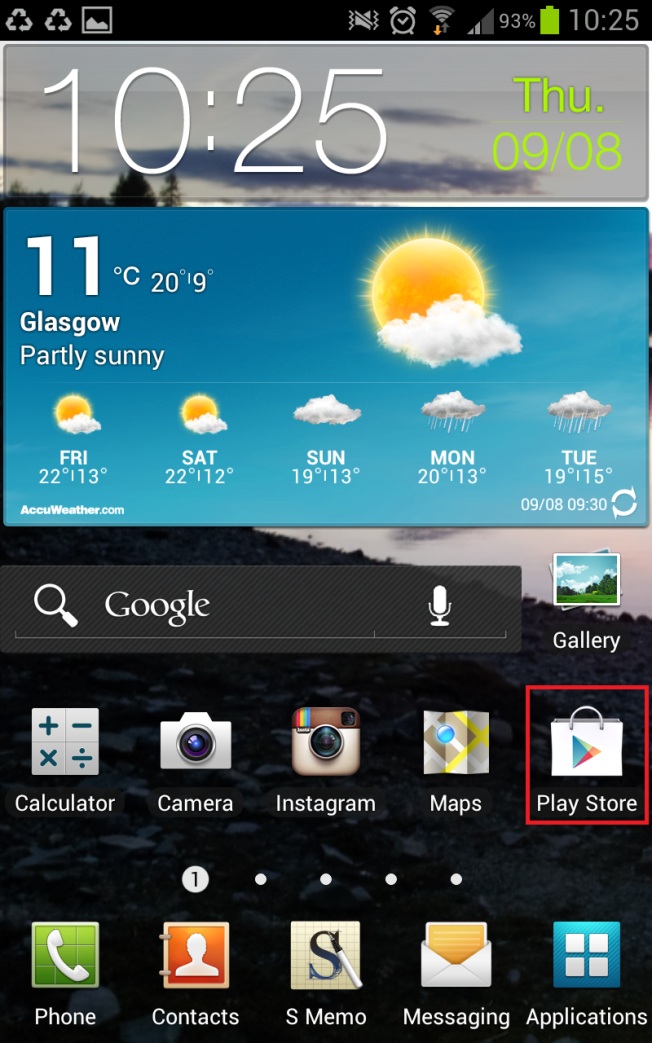
On your phone/ device’s home screen (also found in the Applications menu), find the Play Store icon, highlighted in red in the image below.
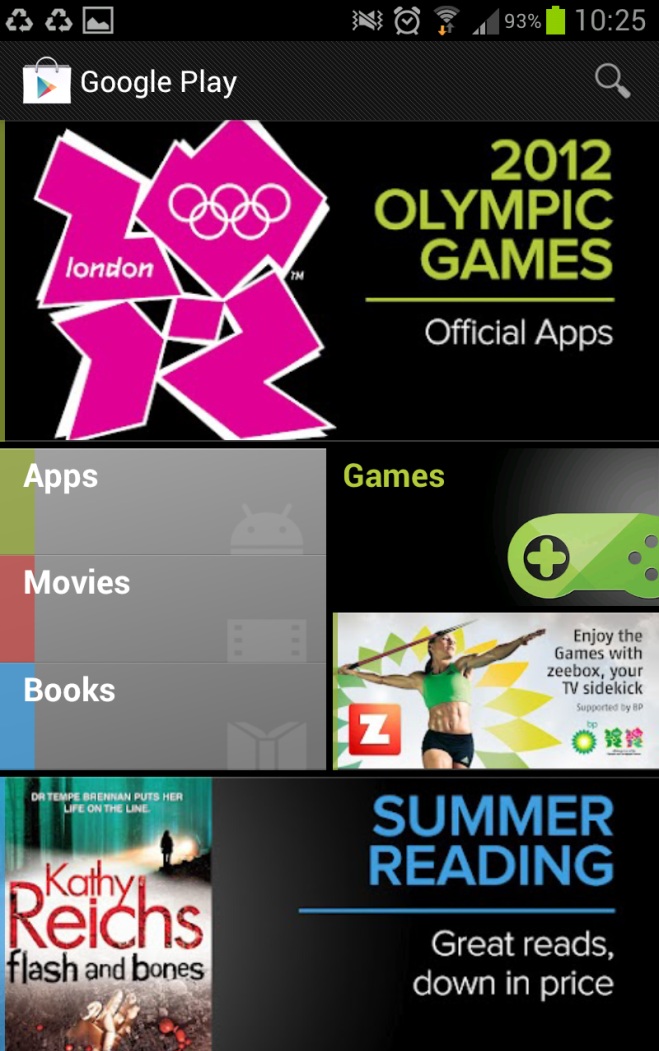
It will open this screen:
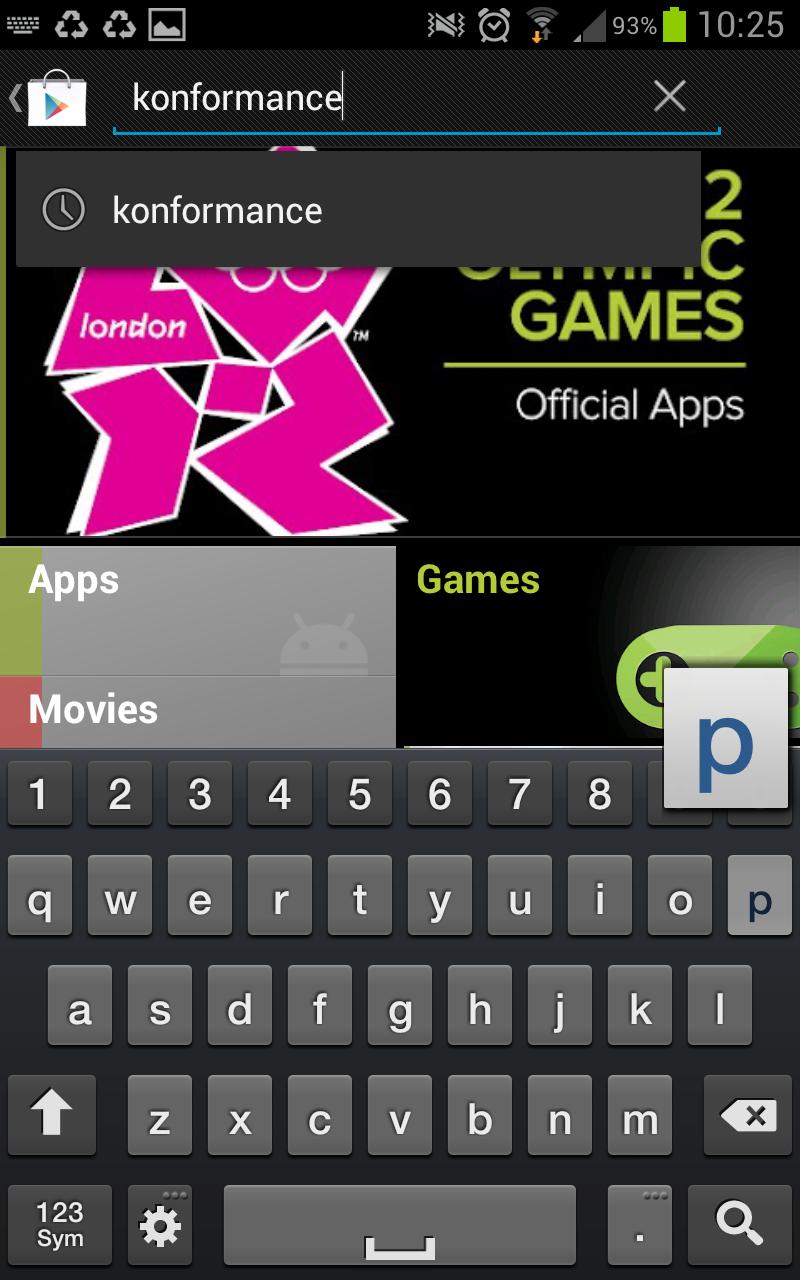
Click the ‘search icon’ and type in Konformance. Make sure it is not auto-corrected to ‘conformance’.
You will only see one option:
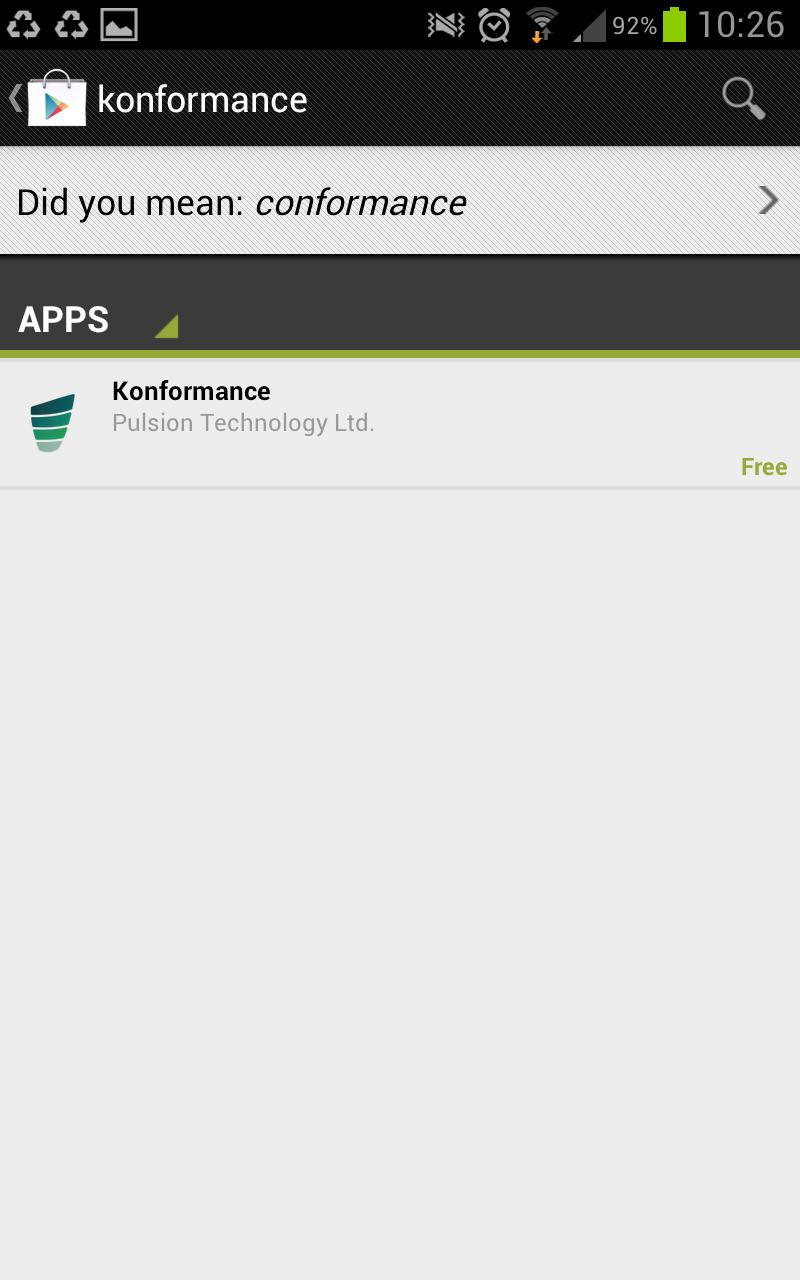
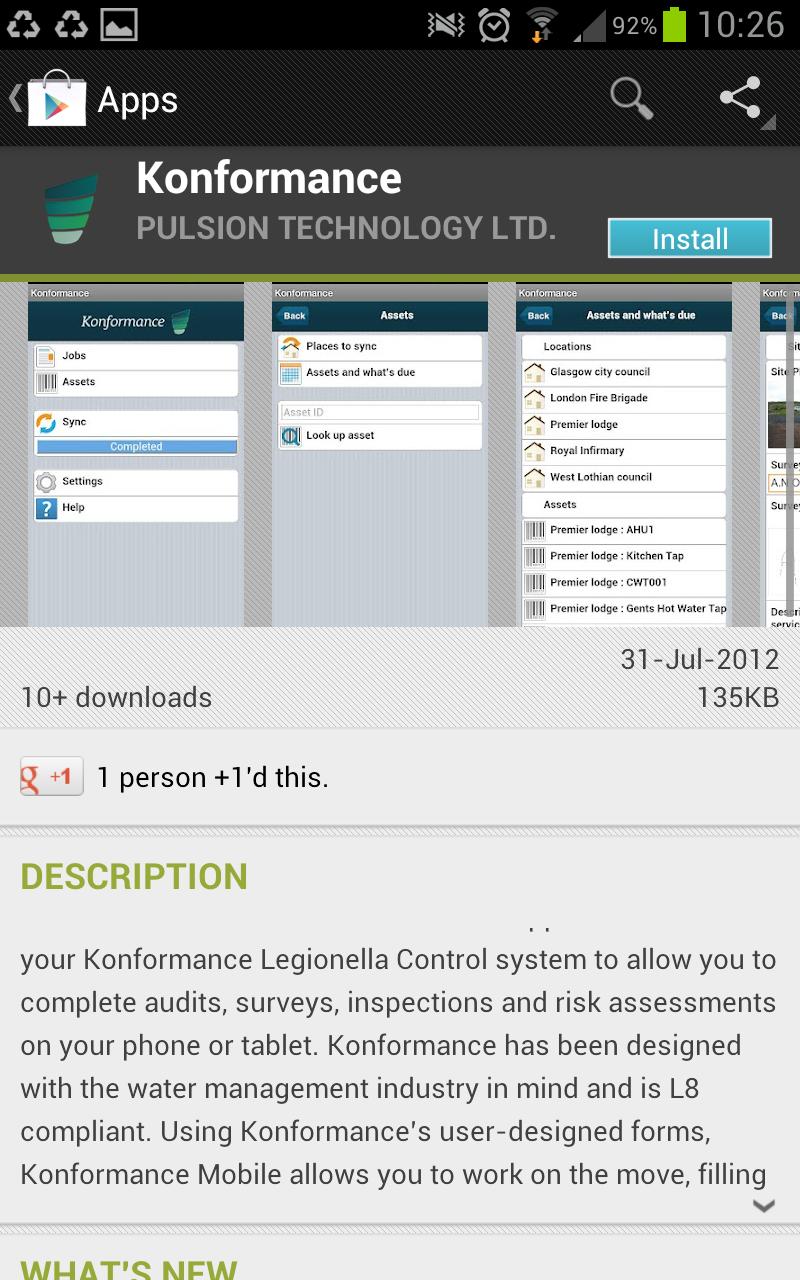
Click this. It will open information about Konformance. Click the blue ‘Install’ button.
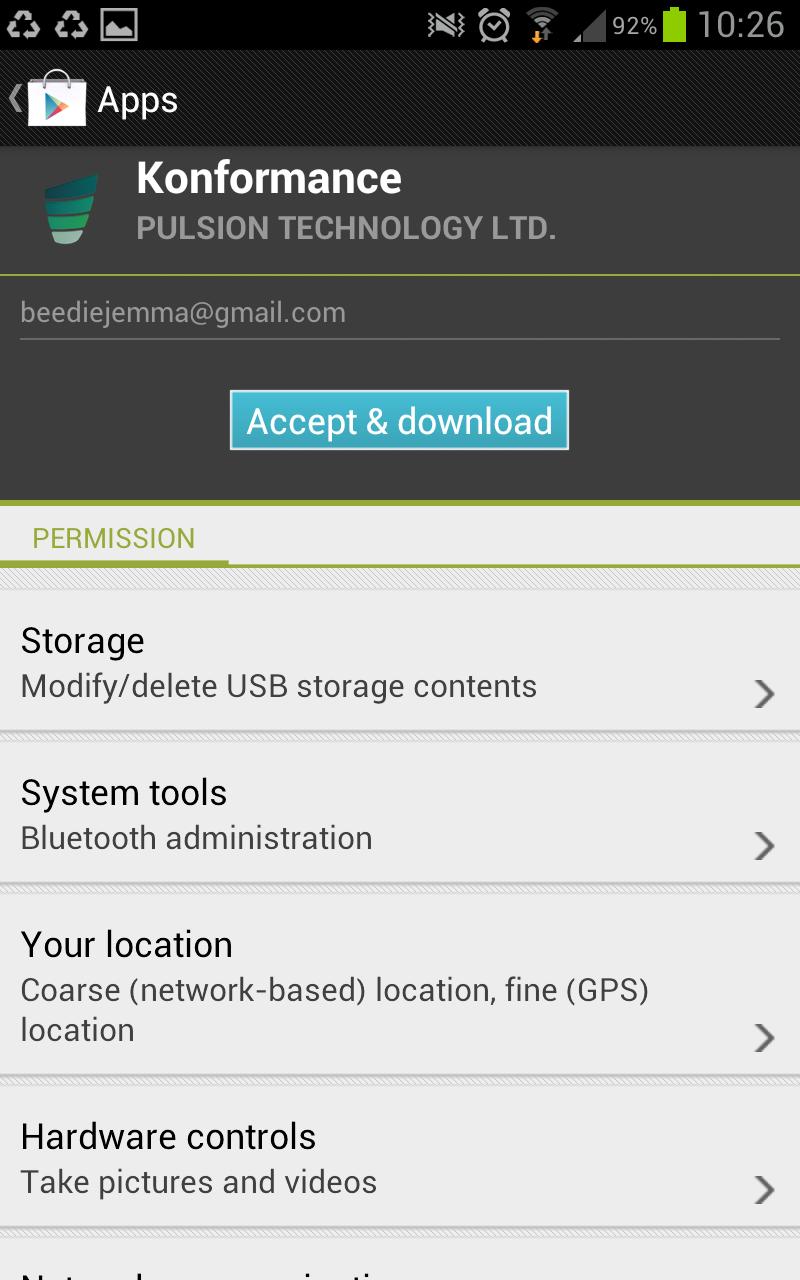
Press ‘Accept & download’.
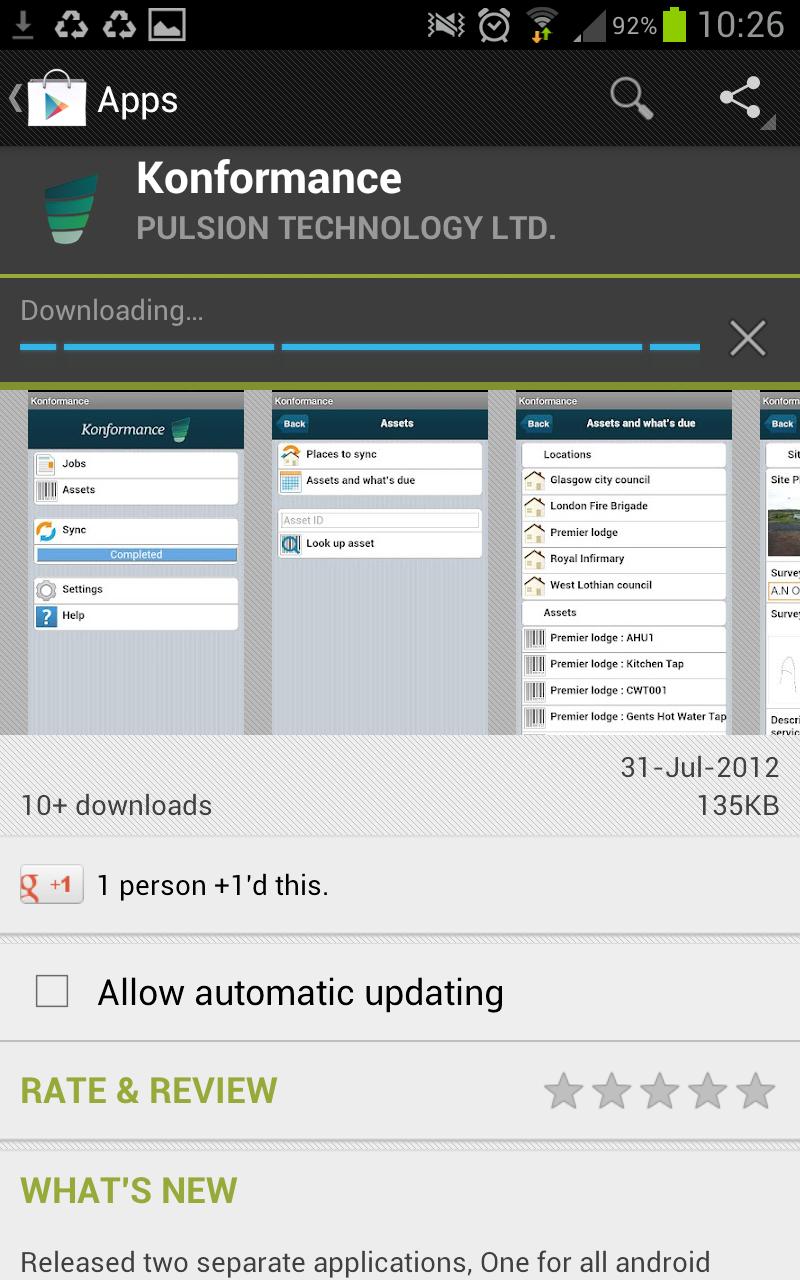
You will now see a blue ‘Downloading…’ bar.
When it is finished installing, the page will look like this:
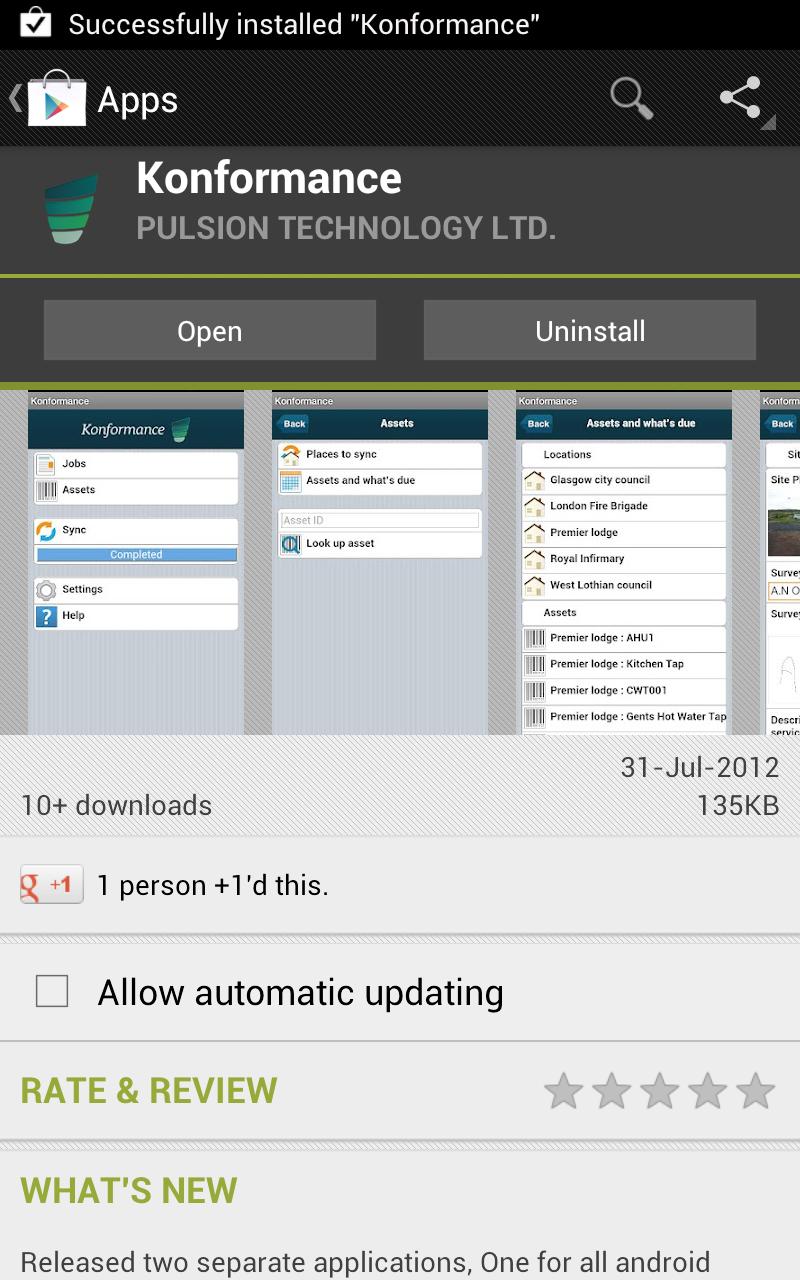
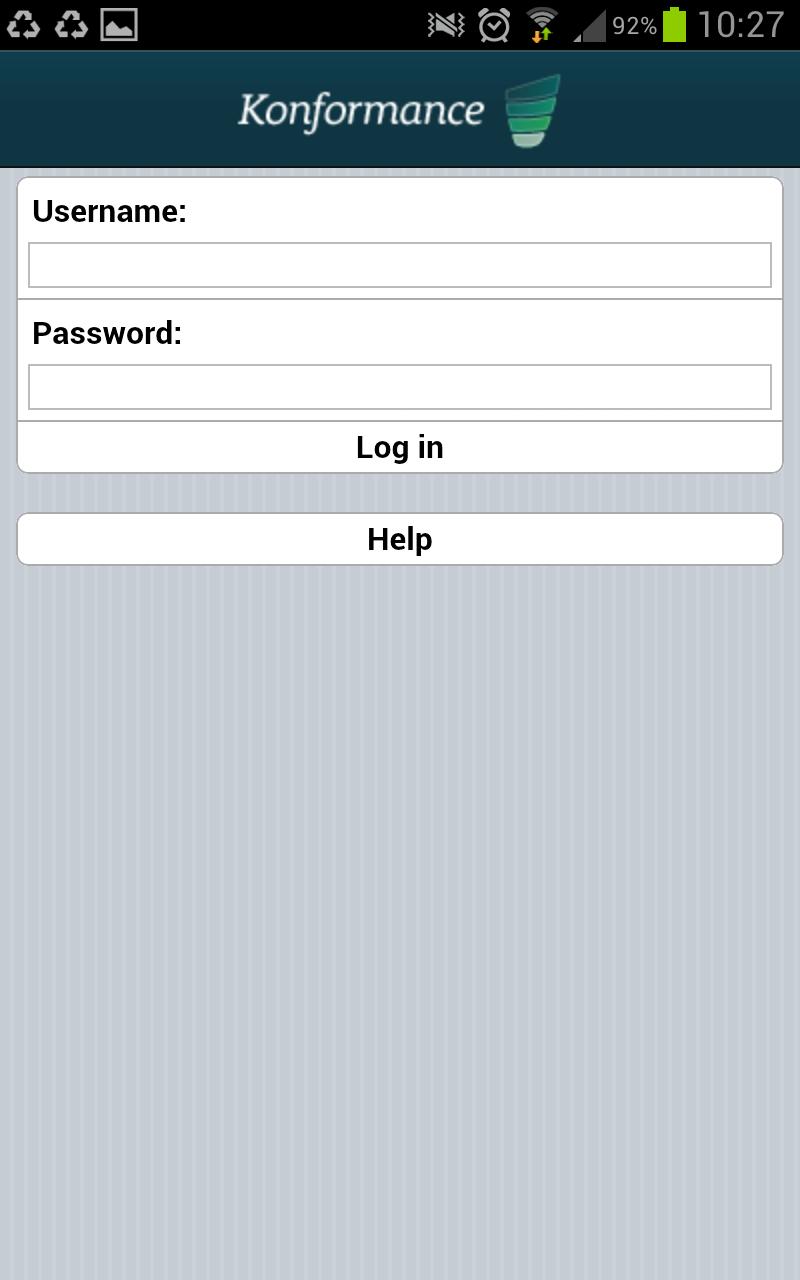
Clicking ‘Open’ will take you to the logon screen.