
Some tasks may need engineers to have certain skills in order to complete them. This could be that a risk assessment must be completed by a risk assessor or it could be that a supervisor is needed to do a yearly review of another employee’s working ethos.
To make the job allocation process a little easier, it is possible to assign skills to users (engineers) within the company.
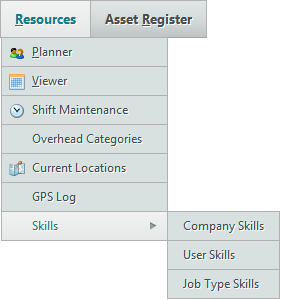
From the ‘Resources’ menu, hover over ‘Skills’. There are three options: Company Skills, User Skills and Job Type Skills.
Company Skills
This page lists the skills that engineers in the company have, as well as skills that are needed to complete certain tasks.
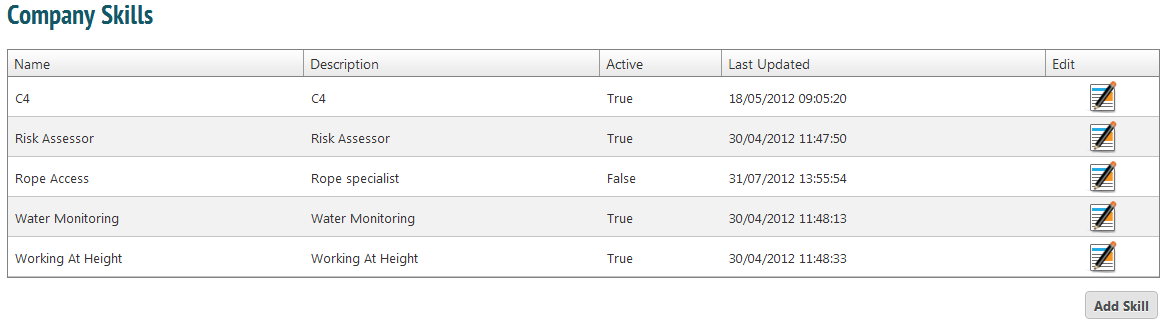
To edit a skill, click on the ‘Edit’ icon. To add a new one, press ‘Add Skill’.
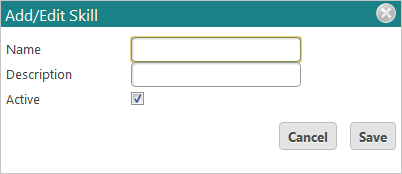
If a skill is active, it can be assigned to engineers or tasks. If it is inactive, it cannot be assigned.
User Skills
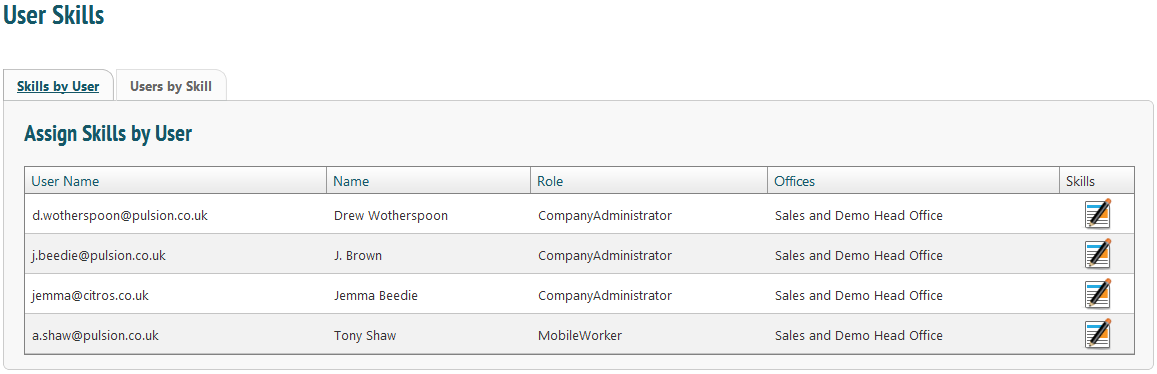
There are two tabs on this page. ‘Skills by User’ lists the engineers within a company. To see their skills, select the ‘Skills’ icon.
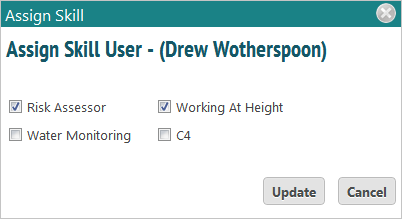
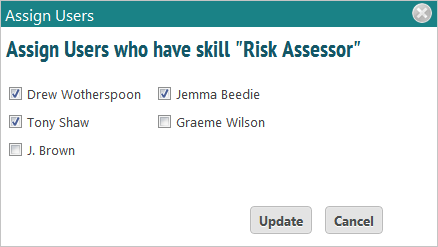
‘Users by Skill’ is another way of viewing the information: it lists the skills within the company and selecting the ‘Users’ icon shows which engineers have that skill.
Job Type Skills
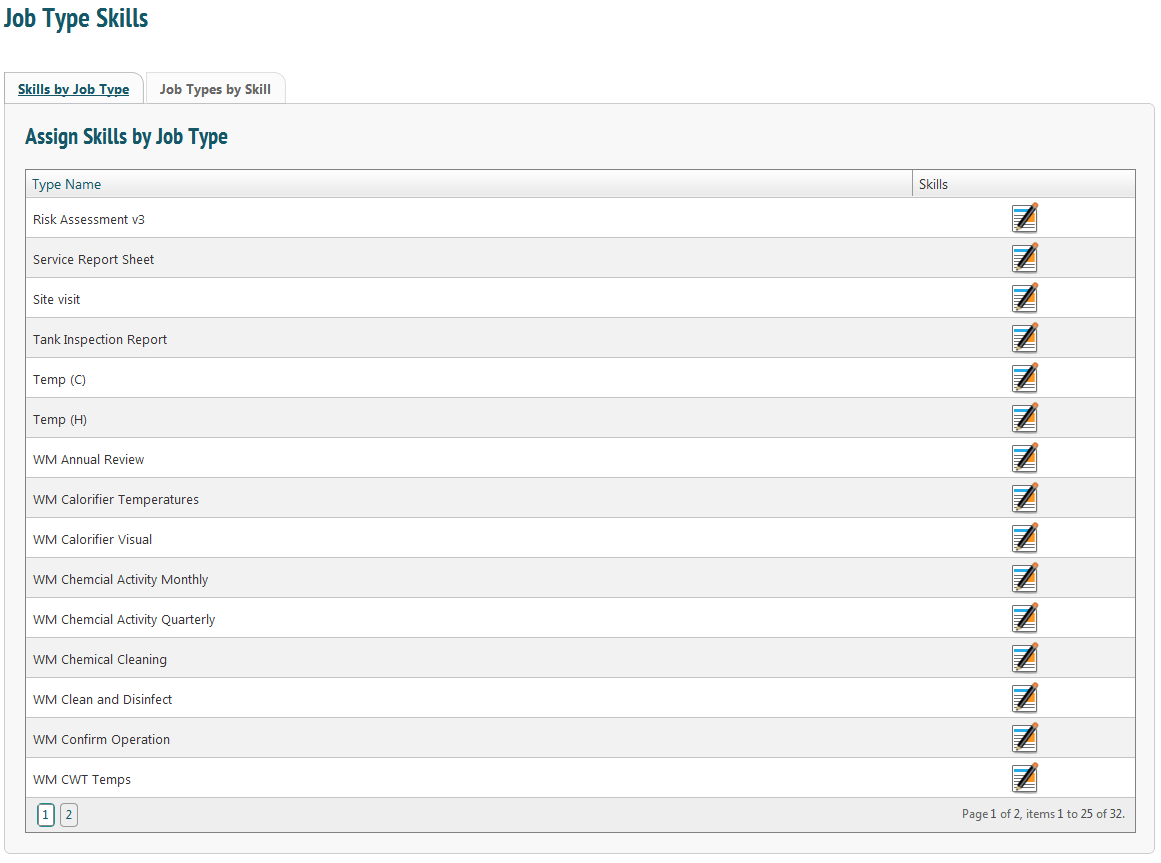
From this page, skills are assigned to job types.
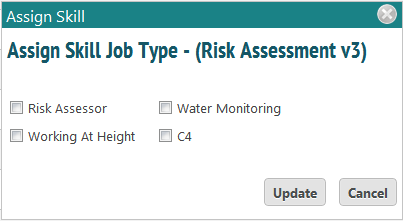
To assign job types to skill, just select the other tab, ‘Job Types by Skill’.